
Laser engraving is the ideal process for transforming simple wooden jewelry boxes into unique works of art. It combines digital precision with artisanal texture, enabling permanent marks on wood, from complex patterns to delicate text. This guide provides a comprehensive roadmap from fundamentals to mastery, focusing on two core pillars for exceptional results: precise parameter settings and professional advanced techniques, ensuring consistently stunning outcomes with every project.
Parameter Reference Table for Common Woods (For 40W-60W CO2 Lasers)
| Process Objective | Material | Thickness | Power (%) | Speed (mm/s) | Key Notes |
| Fine Engraving | Basswood/Maple | 3mm | 30-40% | 550-650 | Start test. Avoid burns. |
| Fine Engraving | Walnut/Cherry | 5mm | 40-50% | 450-550 | Increase power for contrast. |
| Deep Engraving | Birch Plywood | 3mm | 55-65% | 250-350 | Balance depth and charring. |
| Deep Engraving | Walnut/Oak | 5-6mm | 65-75% | 200-300 | Air assist on. Slow for depth. |
| Through Cutting | Birch Plywood | 6mm | 75-85% | 180-220 | Focus center. Clean edge. |
| Through Cutting | MDF | 6mm | 70-80% | 200-250 | Constant air. Less residue. |
Laser Power & Speed Settings: A Practical Guide for Wooden Jewelry Boxes
Accurate parameter settings are the key to transforming a design into a flawless engraving. The core parameters—Power, Speed, and DPI/PPI—interact to control the depth, contrast, and detail of your work. Mastering their relationship is essential. The following recommendations serve as a reliable starting point. However, due to variations in wood species, density, and laser engraver calibration, conducting a material test on a scrap piece from your actual project is an indispensable final step before committing to the final piece.
Laser Power: Defining Depth and Effect
Laser power, measured in watts (W), primarily determines the engraving depth and the darkness of the mark. It is the most direct factor influencing the energy transferred to the material.
-
Low Power (20%-40% of machine max): Ideal for shallow surface engraving, such as subtle decorative patterns, fine text, or photo transfers. This setting lightly etches the surface without significant depth.
-
Medium-High Power (50%-80%): Used for deep engraving (approximately 0.5-1.5mm depth) and creating strong visual contrast. Suitable for bold graphics, monograms, or preparing areas for color filling.
-
High/Full Power (90%-100%): Reserved for cutting through wood sheets to create box components or intricate inlays. The required power depends heavily on material thickness and density.
Speed: Controlling Exposure and Clarity
Engraving speed controls how long the laser beam dwells on a given point, directly affecting exposure time. It works inversely with power to achieve the desired effect.
-
Faster Speeds (e.g., 300-600 mm/s): Reduce exposure, resulting in lighter, shallower marks. Essential for preventing burn-through on thin veneers and achieving crisp, clean lines in detailed artwork.
-
Slower Speeds (e.g., 50-200 mm/s): Increase exposure, leading to darker, deeper engraving. Used for creating high-contrast marks or when cutting through material. A universal principle: for the same power, halving the speed roughly doubles the effective engraving depth.
DPI/PPI: Managing Detail for Raster Engraving
DPI (Dots Per Inch) or PPI (Pulses Per Inch) is critical for raster engraving, where the laser scans line by line like a printer. This setting determines the resolution and detail level of engraved images.
-
Lower DPI/PPI (250-500): Creates distinct dot patterns with faster processing. Best for bold graphics, text, or designs where a stippled artistic effect is acceptable.
-
Higher DPI/PPI (500-1000+): Places dots closer together, producing smoother gradients and finer detail. Essential for engraving high-contrast photos, intricate portraits, or very fine lines on jewelry box lids. Note: Higher DPI significantly increases job time.
Focus & Multiple Passes: Ensuring Precision and Smooth Depth
A sharp focus is non-negotiable for achieving crisp edges. Always use your machine’s focus tool to set the correct distance between the laser lens and the material surface before every job. For deep engravings, the technique of multiple passes is superior to a single high-power pass. Instead of one pass at 80% power, use two or three passes at 50% power. This method minimizes charring, reduces heat stress on the wood, and results in a cleaner, smoother-bottomed engraving. Allow a brief pause between passes for the material to cool slightly.
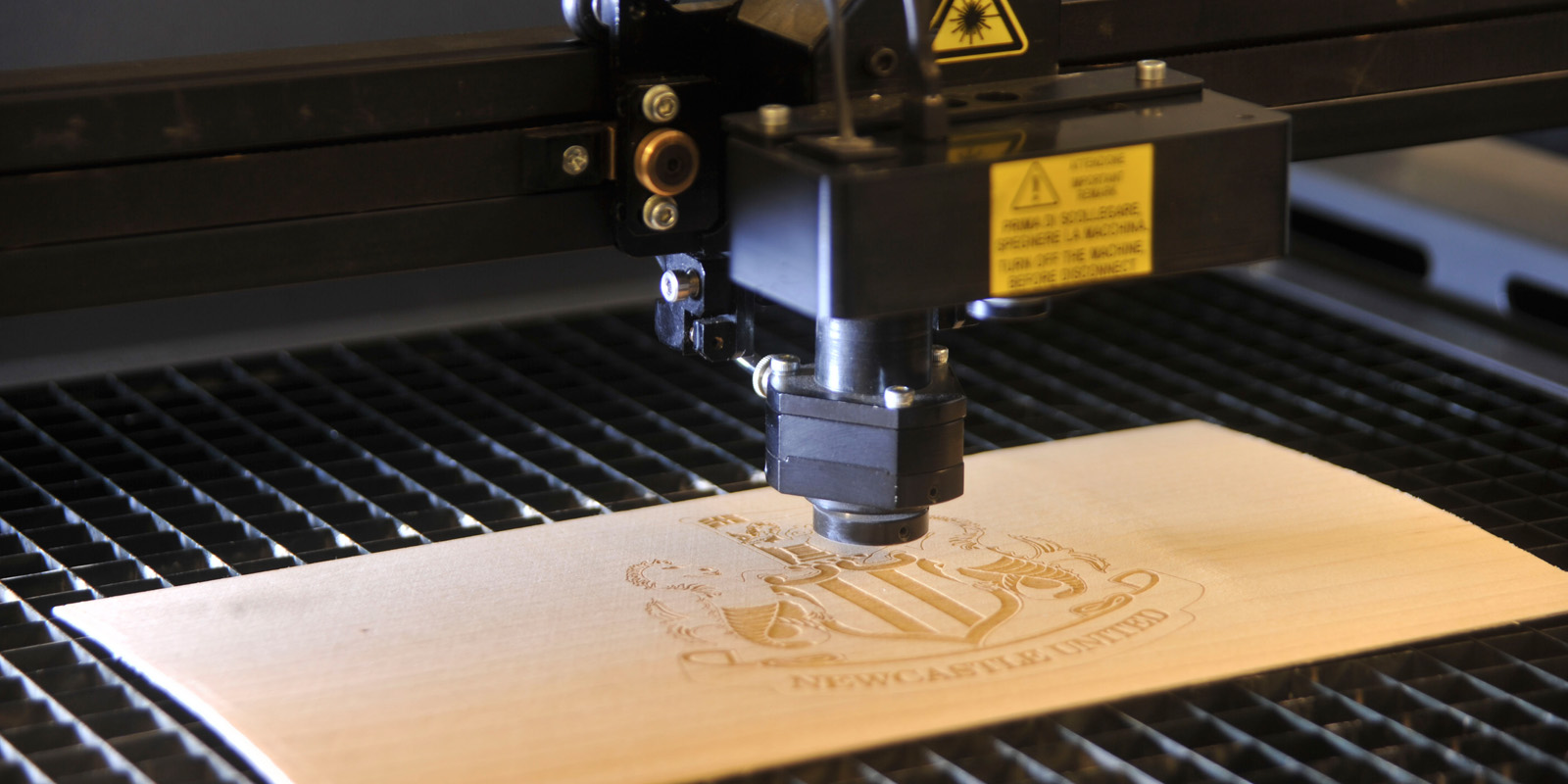
Laser Engraving Wooden Jewelry Boxes: Step-by-Step Operation from Design to Completion
A successful engraving project relies on a disciplined laser engraving machine workflow. Following a step-by-step sequence ensures precision, minimizes errors, and guarantees consistently high-quality results. This guide walks you through each critical stage from preparing your box to applying the final finish.
Step 1: Design Preparation & File Setup
Begin in your design software. Create or import your artwork, ideally using vector graphics (SVG, DXF) for clean lines and scalability. Organize your design elements onto separate layers (e.g., one for cutting, one for deep engraving, one for surface details) for precise parameter control. Crucially, measure your actual box with calipers and adjust the digital design dimensions to account for real-world size and laser kerf (typically 0.1-0.3mm of material loss during cutting). Set the DPI/PPI resolution: use 250-400 DPI for general graphics/text, and 500-600+ DPI for high-detail images or fine script.
Step 2: Surface Preparation & Machine Setup
Thoroughly clean the box surface with a lint-free cloth and isopropyl alcohol to remove dust and oils. Then, securely fix the jewelry box to the laser bed using clamps or double-sided tape, ensuring it is perfectly level to prevent focal distance variations. Perform lens focusing using your machine’s manual focus tool or auto-focus function to achieve the sharpest possible beam at the material surface. Finally, set the job origin point (X/Y zero) on the laser software to match your desired starting position on the box.
Step 3: Parameter Application & Test Engraving
Import your prepared design file into the laser control software. Assign the tested parameters (Power, Speed, DPI) to their corresponding layers. Never skip the material test. On an identical scrap piece, engrave a small test grid (e.g., 40W/400mm/s, 50W/300mm/s, 60W/200mm/s) to finalize settings. Inspect for depth, clarity, and burn marks. Only proceed to the final piece after achieving the verified optimal result on the test sample.
Step 4: Job Execution & Process Monitoring
Initiate the engraving job. Closely monitor the first 30-60 seconds to confirm the settings are performing as expected. Watch for consistent smoke extraction and listen for uniform machine operation. For designs involving both engraving and cutting, always complete all engraving passes first before executing cut paths. This maintains workpiece stability throughout the process.
Step 5: Post-Processing & Finishing
Once complete, carefully remove the box. Gently clean the engraved areas with a soft brush or compressed air to remove soot and residue. For a protective and enhanced finish, apply a suitable coating or wax. Options include:
-
Mineral Oil: Enhances grain, easy to apply; requires periodic reapplication.
-
Clear Matte Lacquer/Spray: Provides a durable, protective barrier without altering color.
-
Natural Beeswax Paste: Offers a soft, matte sheen and tactile feel.
Allow any finish to cure fully according to the product instructions before handling or assembling hardware.
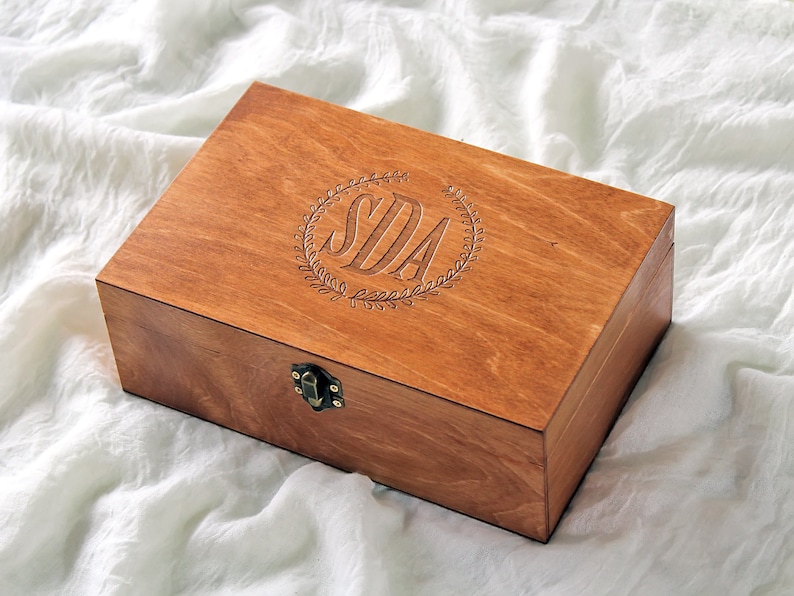
Advanced Best Practices & Professional Techniques
Enhancing Visual Impact
To elevate your work beyond basic laser engraving, strategically leverage the wood grain. Align designs with the natural patterns to create organic, one-of-a-kind pieces where the engraving interacts with the texture. For vibrant accents, employ color filling techniques. After engraving, rub specialized wood fillers, acrylic paints, or even colored waxes into the recessed areas, then wipe the excess from the surface. This makes details pop. Finally, explore combined processes. Use lower-power engraving for detail and higher-power cutting for outlines or to create layered, three-dimensional effects by assembling separately cut pieces.
Preventing and Solving Common Issues
Prevention is key for a flawless finish. To prevent excessive charring and deep burn marks, always use air assist and apply low-tack painter’s tape to the wood surface before engraving; the tape absorbs excess heat and can be peeled away to reveal a clean surface. For uneven engraving depth, ensure the workpiece is perfectly level and the laser is correctly focused. Address problematic wood knots by pre-sealing them with a dab of clear shellac or by very lightly engraving over them at high speed/low power before the main job to minimize resin bleeding.
Essential Safety Protocols
Never compromise on safety. Adequate ventilation is non-negotiable; use an active exhaust system to remove harmful smoke and particulates from the workspace. Fire safety requires constant vigilance: never leave the machine unattended during operation, keep a CO2 fire extinguisher nearby, and ensure all materials are free of flammable residues. Finally, adhere to operational safety: always wear protective eyewear specific to your laser’s wavelength, follow the manufacturer’s lockout/tagout procedures for maintenance, and ensure the work area is clear of obstructions and reflective surfaces.

Essential Materials and Equipment for Laser Engraving Wooden Jewelry Boxes
With the detailed settings, workflow, and techniques now outlined, ensuring you have the right foundation is the final step. The right equipment, starting with a well-configured laser engraving machine, and prepared materials transform the processes you’ve learned into consistently stunning, professional results. This checklist ensures nothing is overlooked before you begin your project.
Core Laser System Specifications
For optimal results on wooden jewelry boxes, selecting a suitable laser system is fundamental. Key specifications to prioritize include laser power and work area size. A laser power between 40W and 100W provides excellent flexibility, capable of handling everything from delicate surface engraving to cutting thicker wood panels. A generous work area (exceeding A3 paper size) allows for processing multiple small boxes or a single large piece efficiently. Essential built-in features such as air assist (to minimize burn marks) and a reliable exhaust system are crucial for achieving clean results. For unmatched precision on uneven surfaces, systems with auto-focus functionality ensure consistent engraving depth across the entire design.
Material Selection: Woods and Beyond
Wood selection directly impacts the final appearance. Recommended species include:
-
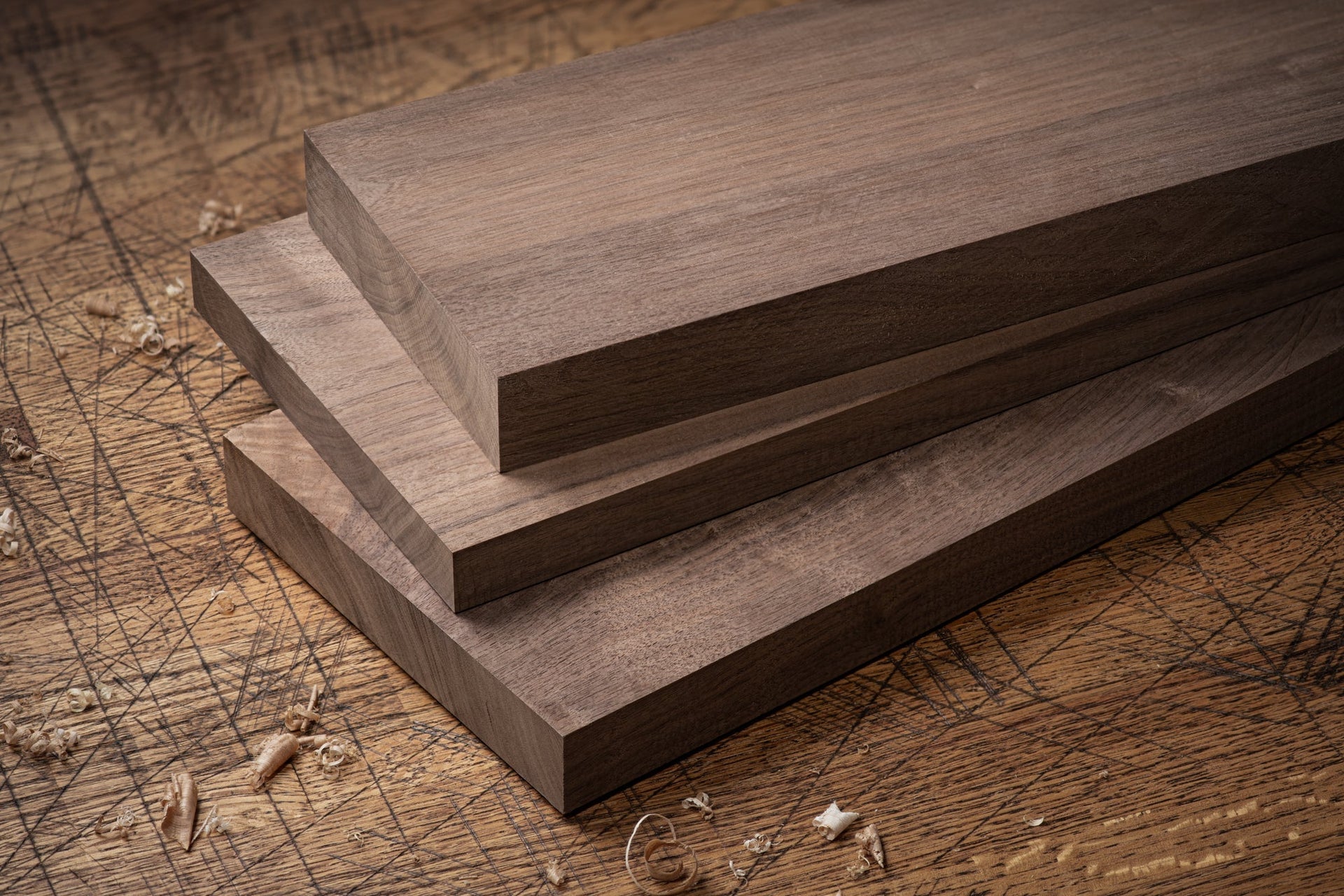
Basswood & Maple: Known for their uniform grain and light color, they produce crisp, high-contrast engravings with minimal burning.
-
Walnut & Cherry: These harder woods offer rich natural color and beautiful grain patterns, resulting in elegant, high-end finishes.
For structural parts, birch plywood (5mm or thicker) is a stable and cost-effective choice. MDF is also excellent for intricate engraving due to its lack of grain interference. Beyond wood, prepare finishing materials like mineral oil or wax to enhance and protect the engraved surface, and consider interior lining such as felt or specialized flocking to conceal any minor burn marks inside the box and add a professional touch.
Software & Supporting Tools
Design software is the bridge between your idea and the physical product. Industry-standard vector graphic software (e.g., CorelDRAW, Adobe Illustrator) is ideal for creating precise, scalable designs saved in SVG or DXF formats. Laser control software is then used to import these files, set parameters, and operate the machine. A critical practice is to always test parameters on scrap material first. Essential supporting tools include a computer, measuring tools, clamps to secure the workpiece, and basic woodworking tools for assembly and post-processing, such as soft brushes for cleaning soot.
Conclusion
By applying these detailed settings and best practices, you are equipped to produce beautifully engraved wooden boxes that add significant value and personal touch. Remember, each piece of wood is unique, and fine-tuning based on material and design will elevate your craft to the next level. For personalized advice or to discuss your project, contact our expert team today to learn more about our Laser Engraving Machines and bring your vision to life with precision.