
Every January, we all face the same choice: shell out $15-$30 for a store-bought printed calendar, or print one at home for a few bucks? It seems like a no-brainer for saving money—until your DIY calendar starts falling apart by June. The real question is, which one can actually stand up to a full year of daily use? Spoiler: it’s not just about cost, but paper thickness, ink quality, binding, and coatings. These small details make a massive difference between a calendar that lasts till December and one that’s trash by spring. And if you’re a small business printing promotional calendars, this durability gap can even impact your brand impression—laser printing and professional UV printing are game-changers here, and industrial printing equipment like the ones we offer at Maxwave Laser makes all the difference for long-lasting custom prints.
Commercial Paper Calendars: Built for a Full Year of Use

Professional print shops use materials and techniques your home printer can never match, and that’s why their calendars survive coffee spills, daily flipping, and even kid-induced chaos. Let’s break down what makes them tough.
First, the paper is on a whole different level. Stores use three industrial-grade options: REVLAR synthetic paper (100% polyester, waterproof and tear-proof—wipe coffee spills right off), Rite in the Rain paper (wood-based with a water/grease-resistant coating, FSC certified and compatible with laser printing), and TRIDURA hybrid paper (polymer core for tear resistance, works with inkjet and laser). All of these beat the thin paper your home printer can handle, and professional presses use 250gsm+ stock—way thicker than the 200gsm max for most home printers.
Then there’s the binding. Wire coil and wire-o binding let pages spin 360° and lay flat, with no tearing from constant flipping. Saddle stitching is the budget pro option, still sturdier than hand-stapling at home. Add protective coatings like UV coating (moisture and scuff-proof, perfect for UV printer outputs), soft touch laminate (premium feel, tear resistance), or C1S paper (coated front for bright prints, uncoated back for writing), and these calendars are built to last. Shrink wrapping even keeps them perfect during shipping—critical for small businesses sending promotional calendars to customers.
Home-Printed Calendars: The Hard Limits of Desktop Printing
Let’s be real: your home inkjet or laser printer wasn’t designed for year-long calendars. Even if you use the thickest paper it can handle (110lb/200gsm), you’ll hit roadblocks fast.
The paper weight issue is the first problem—feed anything heavier, and you’ll get jams, misfeeds, or damaged rollers. Professional calendars start at 250gsm coated stock, with premium ones at 300-350gsm or even wrapped around gray board for structural strength. Thin home-printed paper bleeds ink, shows pen marks through to the other side, and curls at the edges.
Then there’s the lack of professional finishes. You can’t add UV coating, glossy lamination, or spot varnish at home—those need industrial printing machines and laser equipment. No coating means coffee spills soak in, fingerprints smudge the ink, and sunlight fades colors fast. Dye-based inkjet ink fades in 3-6 months; even laser toner, which fuses to paper, has no protective topcoat to keep it looking fresh.
Binding is another weak spot. Hand-stapling, hole-punching for ring binders, or taping sheets creates stress points that tear after a few weeks of flipping. No reinforced punch holes, metal hangers, or easel stands mean your home calendar hangs crookedly, rips, or falls off the wall—hardly the polished look for a business promotional piece.
Real-World Durability Test: 90 Days of Tough Use
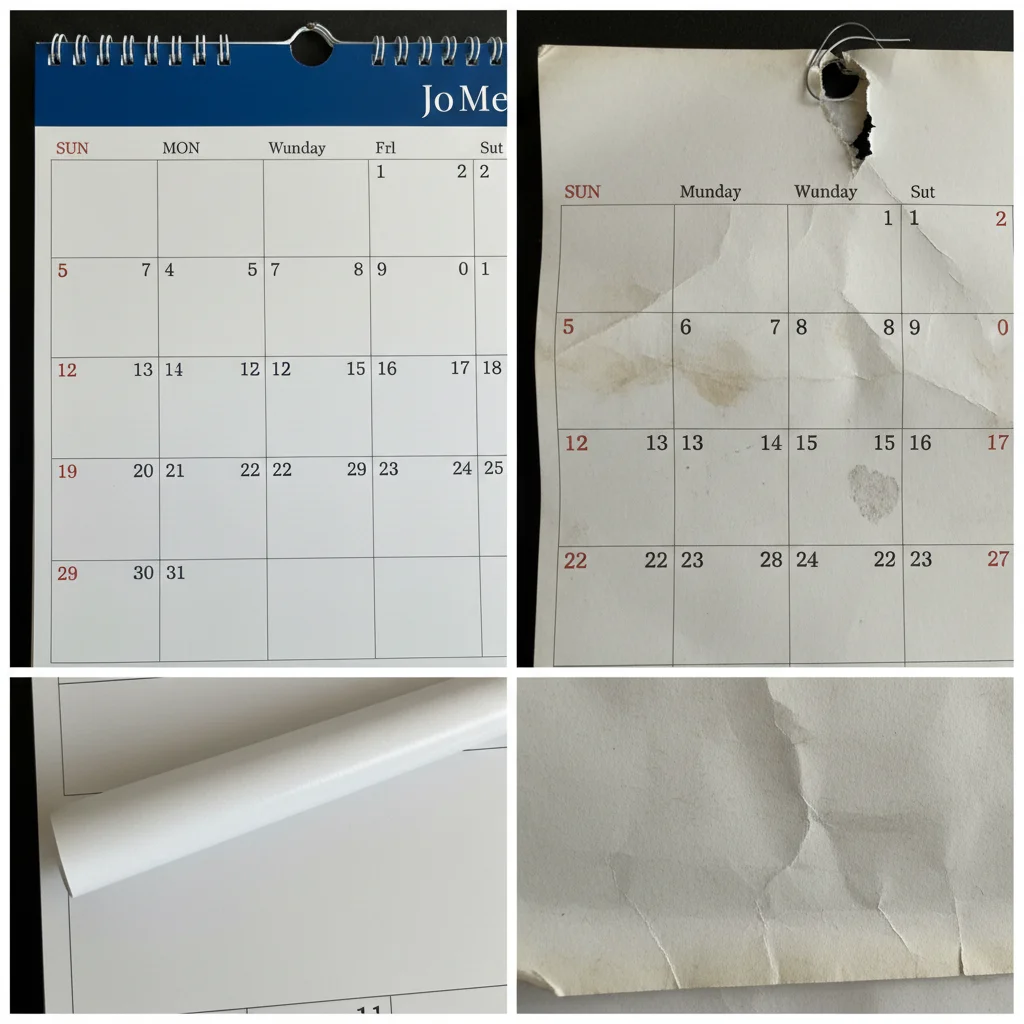
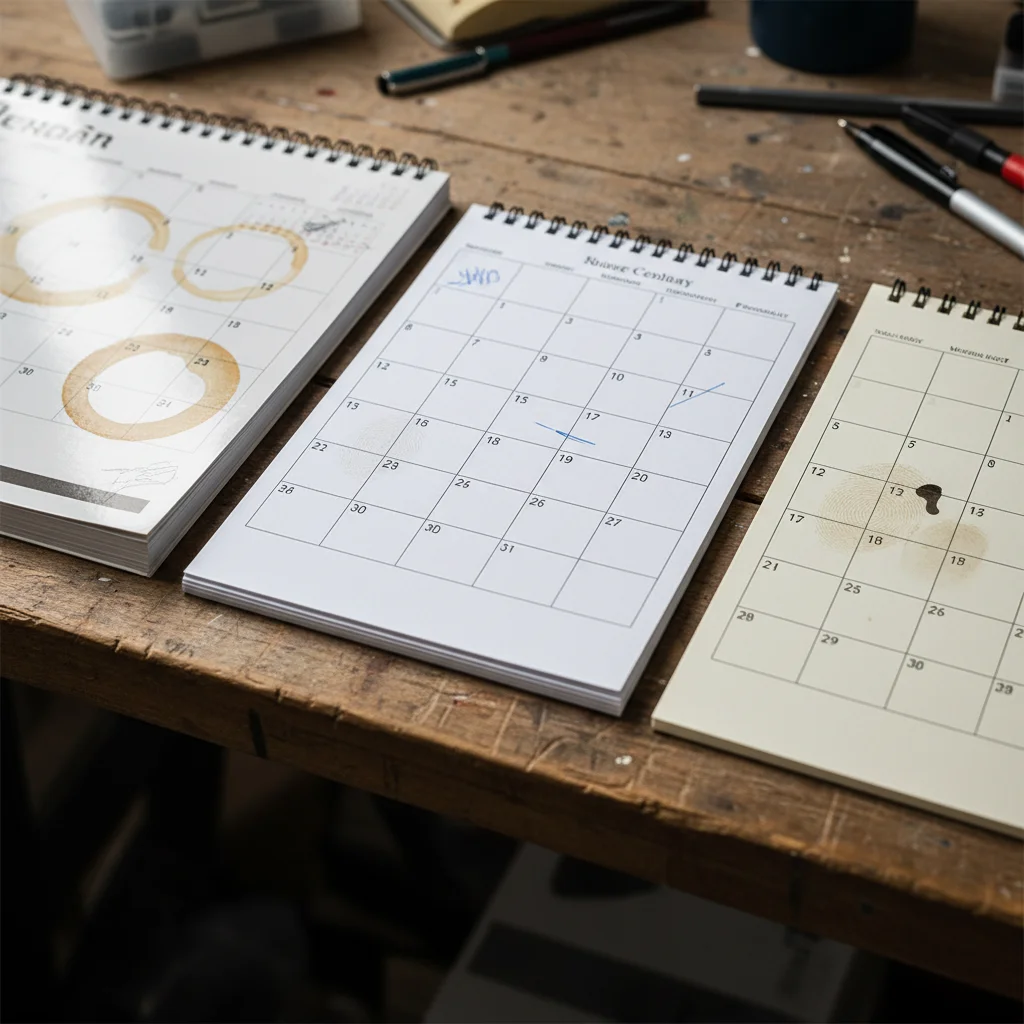
I put three calendars to the test for three months in a busy kitchen—sunny window, daily writing, two coffee spills, kid handling, and three moves during repainting: a store-bought wire-o bound calendar, a home inkjet print on 32lb paper, and a home laser print on 110lb cardstock (the thickest my printer could manage). The results were night and day.
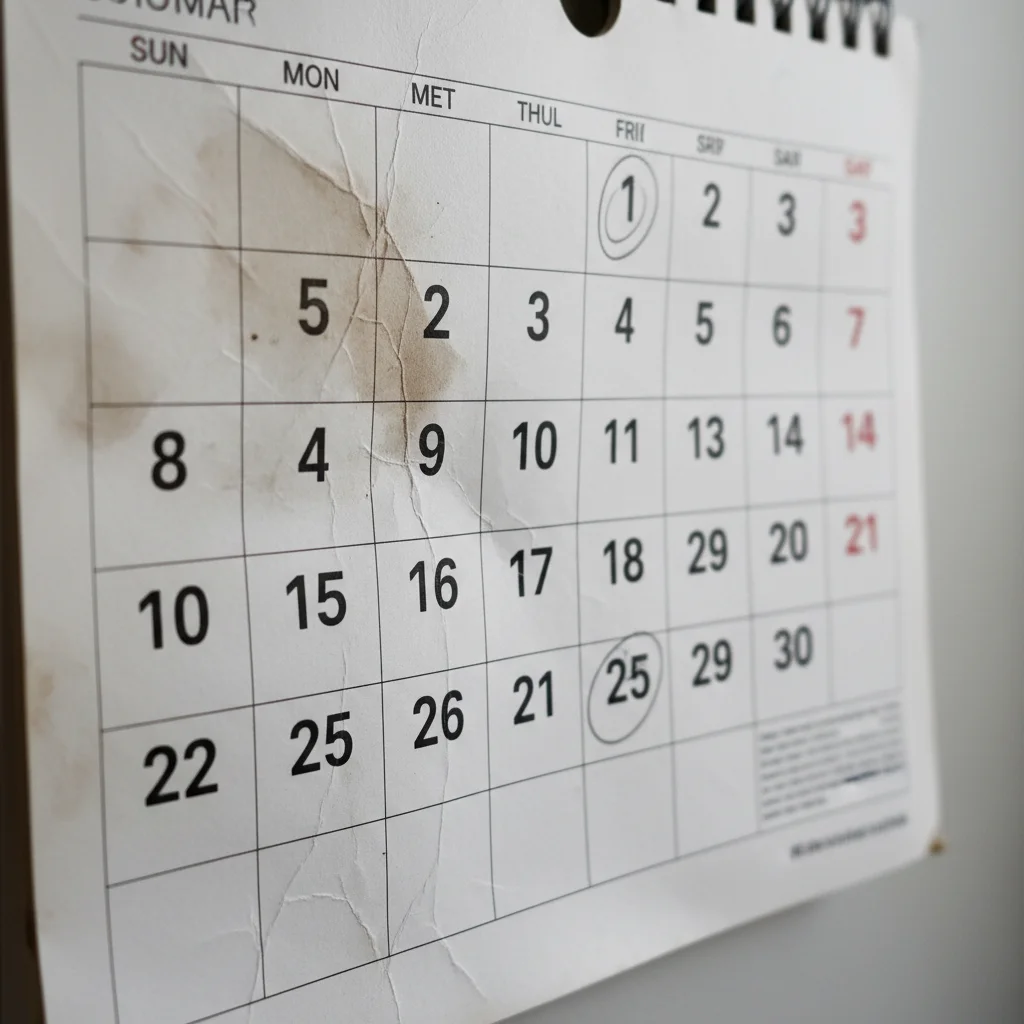
- Month 1: The store calendar had zero wear—UV coating repelled coffee, colors stayed bright in the sun. The inkjet calendar faded in two weeks (red dates turned pink) and soaked up coffee, leaving a permanent watermark. The laser print fared better on fading but got covered in smudged fingerprints that couldn’t be wiped off.
- Month 2: The pro calendar’s binding still worked perfectly. The inkjet calendar’s punch holes ripped, hanging crookedly. The laser calendar’s staples tore through the paper, and the fold line split—re-stapling only fixed it temporarily.
- Month 3: The store calendar looked good for another nine months (just a little corner wear). The inkjet calendar lost two pages and had unreadable faded dates. The laser calendar’s staples pulled out completely, and I gave up fixing it at day 75.
The takeaway? Home-printed calendars don’t just wear out—they fail fast. A professional calendar isn’t just a purchase; it’s a tool that lasts the full year.
Cost-Benefit Analysis: DIY Isn’t As Cheap As You Think
At first glance, printing at home for $3 vs. $25 for a store calendar seems like a win. But when you factor in hidden costs, the math flips—especially if you’re printing for a business and need to reprint because your DIY calendars fall apart.
Home printing costs add up fast: inkjet cartridges cost $4-$6 per full-color page (that’s $48-$72 for 12 months), laser toner is $0.50-$1.50 per page ($6-$18/year), and 110lb cardstock is $0.70-$0.80 per sheet ($8.40-$9.60/year). Then there’s your time: setting up templates, fixing jams, reprinting smudges takes 2-3 hours—valuing your time at $25/hour adds $50-$75. And since home calendars fail at 3 months, you’ll double all those costs to reprint for the rest of the year. Suddenly that $60 DIY project is $120+.
Professional printing? A standard wire-o bound calendar is $15-$30 retail, custom photo calendars for businesses are $20-$35, and bulk promotional calendars drop to $3-$8 each for 100+ orders. One purchase, zero reprints, and you get 300gsm stock, UV coating, reinforced binding, and a metal hanger—all made with industrial laser printers, UV printers, and binding equipment that ensures quality. For businesses, this is a no-brainer: it’s cheaper long-term and makes your brand look professional.
How to Choose: Match the Calendar to Your Needs
The best calendar isn’t the fanciest one—it’s the one that fits how you use it.
Go professional if: you need a year-long wall/desk calendar for your home or business, you’re printing promotional calendars for customers (brand trust = durable products), or you want something that can handle daily use. Professional printers use DTF/DTG printers for custom designs, UV printers for vibrant, protected prints, and laser technology for fade-resistant ink—exactly the equipment we specialize in at Maxwave Laser for business printing needs.
Print at home if: you need a short-term calendar (quarterly plans, one-month event trackers), you want to test custom designs before printing in bulk, or you don’t mind replacing it every few months. If you do DIY, use the thickest paper your printer can handle, and laminate sheets at an office store for a little extra durability.
Quick Tips to Extend Any Calendar’s Lifespan
Whether you have a pro or home-printed calendar, these small habits add 40-60% to its life—5 minutes of work per month for a calendar that looks great all year:
- Turn pages at the binding, not the corners, and use medium-pressure ballpoint pens (no felt tips on coated paper).
- Keep it out of direct sunlight (UV rays fade even pro ink) and in 65-75°F, 40-60% humidity.
- Dust with a dry microfiber cloth; wipe coated calendars with a damp cloth for smudges (skip household cleaners).
- Add clear acetate overlays to the current month (write on the overlay, not the calendar) and reinforce punch holes with clear rings.
- Store keepsake calendars flat in acid-free folders—no folding!
Conclusion
The durability fight between professionally printed calendars and home-printed versions? Not simple.
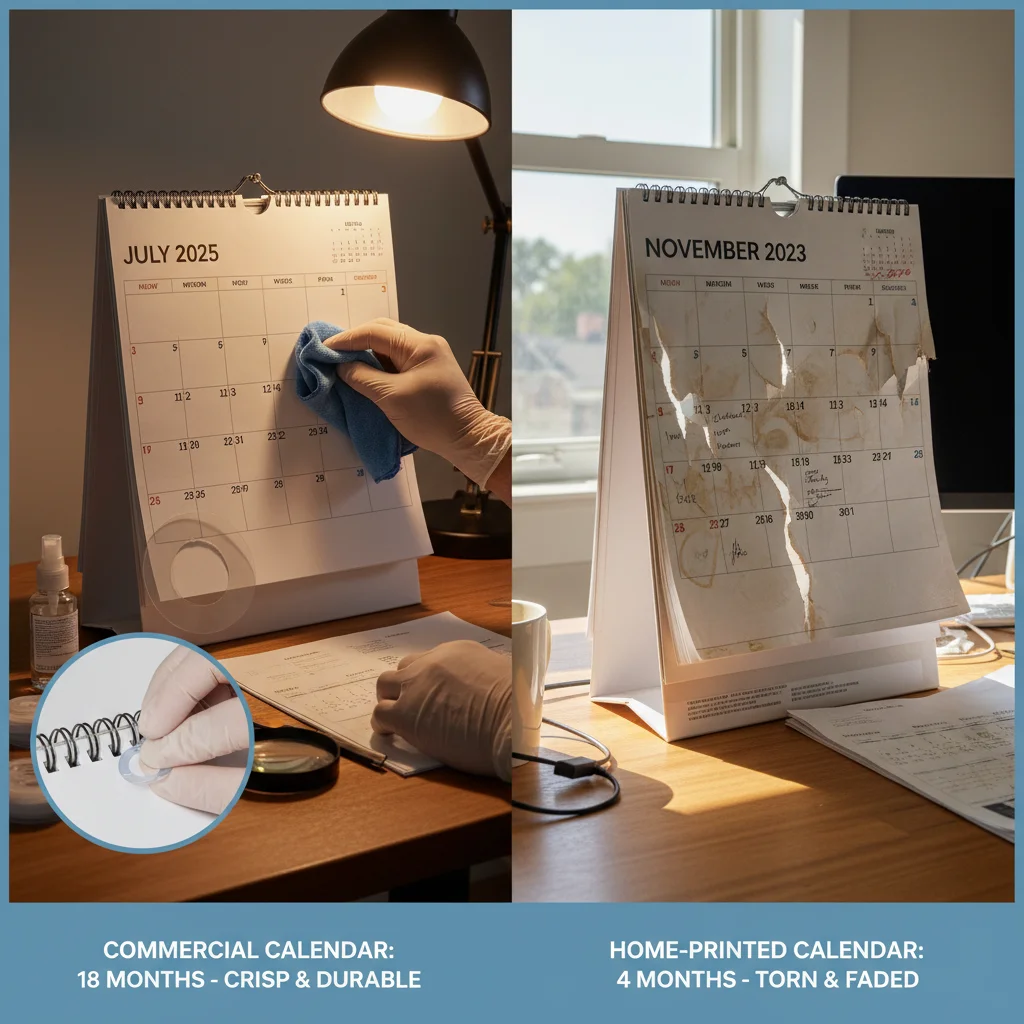
Here’s what counts: You need a calendar that handles constant use, weather changes, and still looks good after 12+ months? Commercial calendars win. Their thicker calendar paper (100-120 GSM), quality inks, and protective coatings last longer. They’re worth it for business, gifts, or busy spaces.
Home printing works for different reasons. You want flexibility over lasting power? Think short-term planners, new designs each month, or saving money. Just know they’ll fade and wear faster.
So how do you choose? Match it to your real use. Need a calendar that still looks sharp after six months? Go commercial. Want to test new designs or print what you need right now? Your home printer works great.
Either choice? Use these calendar preservation tips. Keep them away from direct sunlight. Handle with care. Laminate pages that get touched a lot.
The best calendar isn’t the one with top specs. It’s the one that fits what you need in real life.