
You’ve just completed a laser cleaning job, expecting a clean metal surface. Instead, you see shimmering ripples of gold, purple, and blue, like an oil slick. These are not scratches or a trick of the light. These colorful streaks (also called rainbow patterns or iridescence) are a clear technical signal indicating an issue with the cleaning process. This article will analyze their physical causes through different scenarios and provide actionable troubleshooting steps to help you eliminate these unwanted colors and achieve a truly clean surface.
|
Scenario Category |
Core Characteristics |
Physical Essence |
Reversible? |
|---|---|---|---|
|
Thin Film Interference |
Colorful, angle-dependent streaks, cannot be wiped off |
Nanoscale oxide film forms on the surface due to laser heat input, causing light interference. |
Yes, can be removed by a second cleaning pass or acid wash. |
|
Parameter-Induced Overheating/Burning |
Uneven color, accompanied by blotches and surface roughness |
Excessive energy causes localized melting and resolidification, altering the surface microstructure. |
Typically Irreversible, constitutes surface damage. |
|
Residual Contaminant Film |
Mottled colors that disappear when wiped (e.g., with IPA) |
Incomplete removal of contaminants (like grease, oxide particles) leaves a thin film. |
Yes, requires parameter adjustment for a second cleaning pass. |
|
Wavelength/Mode Mismatch |
Overall iridescence, poor cleaning efficiency |
Laser wavelength poorly matches material absorption, leading to inefficient energy coupling and unwanted heating. |
Yes, requires process adjustment. |
Summary: Rainbow patterns are a “visual report” of the laser-material interaction. Understanding the underlying science (like thin-film interference, changes in the Heat-Affected Zone (HAZ), and residuals) is the first step to solving the problem effectively. Let’s break it down.
Why Do Rainbow Patterns Appear? The Key is “Light” and “Heat”
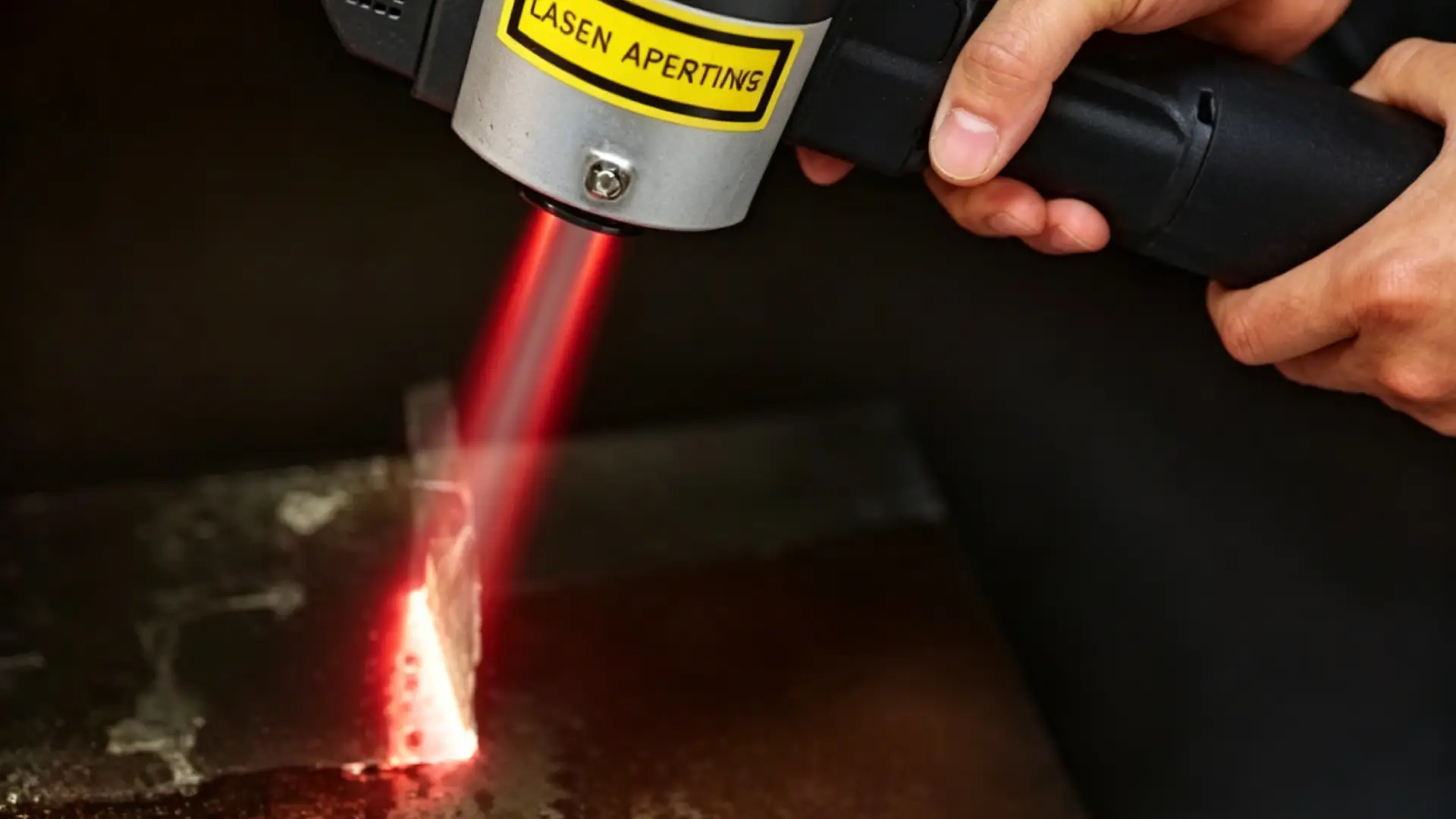
Rainbow patterns are not random. Their core is the thin-film interference effect. When a laser acts on a metal surface, an extremely thin film can form primarily through two pathways:
-
In-situ Oxidation: The high-temperature plasma generated by the laser causes metal vapor to rapidly react with atmospheric oxygen during cooling, forming a nanoscale (typically 1-10 nm) oxide film (e.g., Fe₂O₃ on steel) on the surface.
-
Residual Layer: Low molecular weight organics (like grease) or non-volatile particles not completely removed by the laser can form an uneven residual film within surface pores.
When light hits this film, part reflects off the top surface, and part penetrates and reflects off the bottom surface. When these two beams meet, specific wavelengths are enhanced or canceled due to phase differences, creating the colored bands we see. Film thickness determines the color: thinner films (~10 nm) favor blues and purples, thicker films (~100 nm) shift towards reds and yellows.
Process Parameters: Incorrect Settings Are the Primary Driver
“More power, slower speed” is not always better for laser cleaning. Wrong parameter combinations directly cause excessive heat input, leading to oxidation or surface damage.
-
Excessive Power/Energy Density: When the energy density (fluence) exceeds the material’s threshold (e.g., > 8 J/cm² for steel), the Heat-Affected Zone expands drastically. The oxide layer thickens into the range that produces strong interference and may cause local melting.
-
Frequency Too Low: When the pulse frequency is below 10-20 kHz, energy is too concentrated in individual pulses, causing localized overheating. This creates periodic crater-like pits and microcracks whose edges and interiors scatter light, producing iridescence.
-
Scan Speed Too Slow/Overlap Too High: Speeds below 500-800 mm/s or an overlap rate over 70% cause repeated heating of the same area, leading to heat accumulation. Thermal cycling at high temperatures (>300°C) accelerates the formation of a thick oxide film. High overlap can even “engrave” a diffraction grating structure on the surface.
Quick Diagnosis: Observe the pattern’s morphology. Directional stripes (along the scan path) often point to scan speed or overlap issues. Irregular color blotches are more commonly associated with localized burning from excessive power.
Material-Laser “Mismatch”: A Root Cause Error
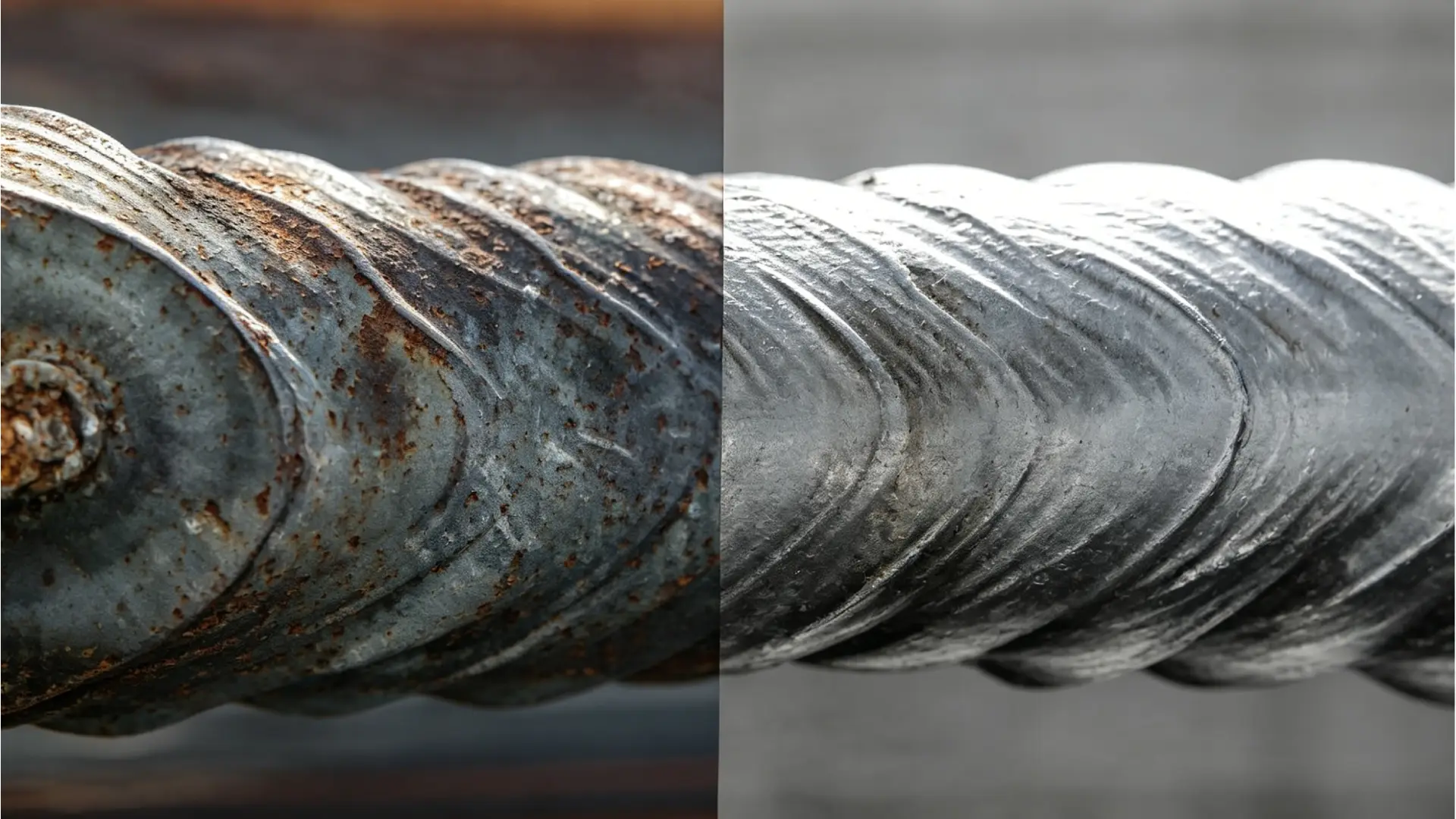
Using the wrong laser type is like using the wrong key—it’s inefficient and guaranteed to leave marks.
-
Wavelength Mismatch: Different materials absorb laser wavelengths at vastly different rates. For example, aluminum absorbs only 5-10% of the common 1064 nm infrared fiber laser wavelength; most energy is reflected. To achieve cleaning, power is often increased, easily causing overheating at edges and oxidation iridescence. A 532 nm green laser, with 40-60% absorption on aluminum, is more effective.
-
Incorrect Operation Mode: Continuous Wave (CW) mode provides constant heat input, creating a deep HAZ (100-500 μm) and is highly prone to thermally-induced rainbow patterns. For precision cleaning, nanosecond (ns) or picosecond (ps) pulsed modes should be prioritized. The latter can confine the HAZ to below 10 μm, minimizing thermal impact at the source.
Step-by-Step Optimization: A Systematic Process to Eliminate Rainbow Patterns
Solving rainbow patterns requires systematic parameter optimization, not random adjustments. Follow this sequence:
-
Step 1: Reduce Power. This is the primary action. First, reduce laser power by 10-15% to lower the base energy density, the most direct and effective way to control heat input.
-
Step 2: Increase Frequency. After adjusting power, increase the pulse frequency by 15-25%. A higher frequency provides better pulse overlap, leading to more uniform energy distribution and avoiding local hot spots.
-
Step 3: Increase Scan Speed. Increase the scan speed by 20-30%. Faster speed means shorter dwell time, effectively preventing heat buildup in one spot.
-
Step 4: Fine-tune Defocus (if applicable). Moderately increasing positive defocus (+5 to +10 mm) can slightly enlarge the spot size, reducing peak power density. This is particularly effective for highly reflective materials like aluminum and copper.
Parameter Starting Point Reference:
-
Carbon Steel: Power 800-1200W, Frequency 20-30 kHz, Speed 1000-1500 mm/s
-
Stainless Steel: Power 600-1000W, Frequency 25-40 kHz, Speed 1200-1800 mm/s
-
Aluminum Alloy: Power 400-700W, Frequency 30-50 kHz, Speed 1500-2500 mm/s
After each adjustment, test on scrap material and verify with an IPA wipe. If the rainbow pattern disappears, the issue likely stemmed from residues or reversible oxidation. If it persists, continue optimization or check for irreversible damage.
How to Avoid Rainbow Patterns in Daily Laser Cleaning
Prevention is better than cure. By standardizing operation and equipment management, you can reduce the occurrence of rainbow patterns and improve cleaning efficiency and quality:
-
Establish a parameter library for different materials, and avoid using the same parameters for all workpieces.
-
Clean the workpiece surface with IPA before laser cleaning to remove surface grease and impurities.
-
Regularly calibrate laser equipment to ensure stable power, frequency, and scan speed.
-
For precision cleaning, use nanosecond or picosecond pulsed laser mode to minimize the heat-affected zone.
Conclusion
Rainbow patterns after laser cleaning are the “optical language” of the interaction between process parameters, material properties, and the environment. They might simply indicate that your energy density is too high, scan speed is too slow, or there’s a wavelength mismatch—issues solvable through systematic optimization. But they can also be a serious warning of irreversible thermal damage.
The key is systematic diagnosis: start by observing the pattern’s features, perform an IPA wipe test, sequentially optimize core parameters (power, frequency, speed), and finally examine the match between your laser equipment and the material. Establishing a process parameter library for each material and maintaining regular equipment calibration and environmental (e.g., humidity) control are crucial for prevention.
To achieve efficient, non-destructive laser cleaning without rainbow patterns, professional equipment and systematic process support are essential. MaxWave specializes in high-performance intelligent laser cleaning solutions, with equipment that features stable parameter output, wide material compatibility, and easy operation. Our professional technical team can help you diagnose rainbow pattern causes, optimize parameters, and tailor solutions for your specific workpieces—helping you achieve smooth, clean metal surfaces without any iridescence or damage.