
It was welding fine this morning. This afternoon? Nothing. No arc, no beam, no movement. Operators standing around a dead machine, production line stopped, every minute costing money.
Don’t call service yet. Don’t start swapping parts. Most laser welder “no arc” issues come down to a handful of causes. And most of them you can fix yourself in under ten minutes.
This table shows you: where the problem is, how long it takes, and what it costs.
|
Issue Category |
Typical Symptom |
Fix Time |
Repair Cost |
|---|---|---|---|
|
Safety interlock / power failure |
Screen on but no beam output |
3-5 min |
$0 |
|
Laser power / parameter error |
Beam fires but metal won’t melt |
1-2 min |
$0 |
|
Lens contamination / focus drift |
Intermittent melting, insufficient penetration |
5-10 min |
$0-5 (cleaning) |
|
Fiber optic cable damage |
Normal power reading but no penetration |
5-10 min |
$30-200 (replacement) |
|
Cooling system alarm |
Sudden shutdown with error code |
2-3 min |
$0-2 (switch) |
|
Workpiece grounding / gap issue |
Everything seems fine but weld fails |
2 min |
$0 |
Five out of six causes, you can solve on-site, mostly at zero cost. The only exception is physical fiber damage — and that just requires a replacement, not a full machine return. In other words, 90% of “no arc” complaints aren’t failures at all. They’re about settings, cleaning, or a simple reset.
Most “No Arc” Problems Aren’t Really About the Arc
When an operator says “no arc,” eight times out of ten it’s one of three things:
-
No output at all — Screen dark, fans silent. Power or interlock fault.
-
Red light fires but metal won’t fuse — Focus drift or insufficient energy density.
-
Intermittent dropout — Unstable voltage or cooling system issue.
Don’t call service yet. Don’t start swapping parts. Run through these 6 causes in order. Most you can fix yourself.
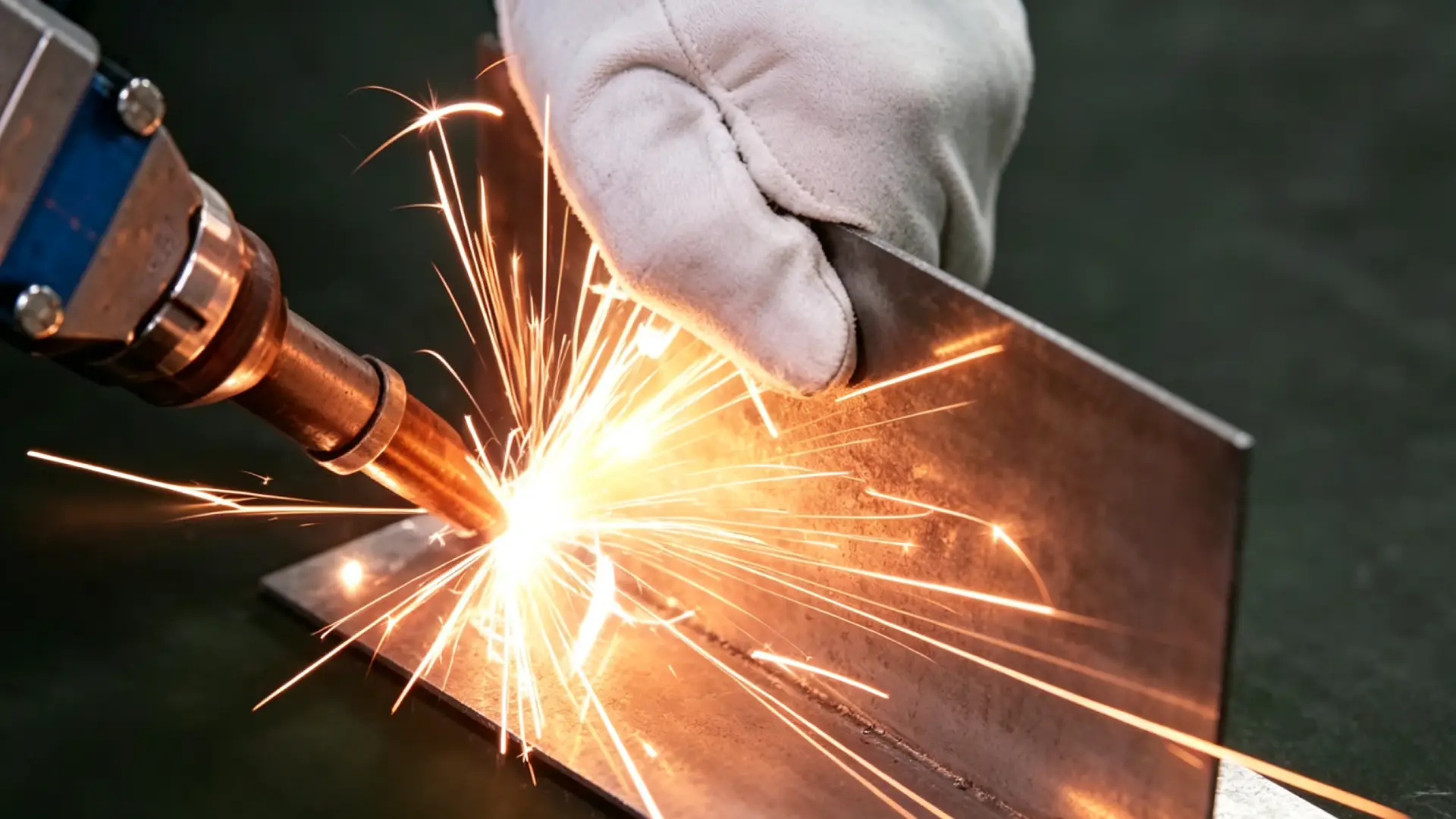
Cause 1: Safety Interlock or Power Supply Failure
Safety systems fail silently. E-stop bumped, cabinet door not fully closed, foot switch dead — any one of these open circuits, and the laser won’t fire at all.
Check in this order:
-
Twist the E-stop button to confirm it’s popped out, then press the manual reset
-
Check door interlock switches — even 2mm misalignment triggers a full laser lockout
-
Measure input voltage with a multimeter: single-phase 220V or three-phase 380V. Anything outside ±5% and it won’t work
-
Read the fault code: “Interlock Open” or “E001” means safety loop issue
This step solves about 30% of “completely dead” service calls.
Cause 2: Incorrect Welding Parameter Configuration
2025 field data from 5,000 laser service cases shows: 65% of “no output” calls trace back to power set below 20%. The machine is fine. The settings are wrong.
Reset it directly:
-
Power off → unplug for 10 seconds → reconnect
-
Go to System → Load Factory Defaults
-
Baseline parameters: 20kHz / 200ns pulse width / 50% duty cycle / 30% max power
-
Fire a 1-second test burst on thermal paper — a visible dot larger than 2mm confirms normal operation
Minimum power reference: 0.5mm stainless steel needs at least 80-120W (20kHz) to produce any melt. Below 60W, surface temperature rises less than 50°C — you’re just heating air.
Cause 3: Lens Contamination & Focal Position Drift
One fingerprint. 0.1mm of focus drift. That’s enough to collapse energy density from 10⁶ W/cm² to nothing. The beam reaches the metal surface, but it doesn’t have enough power to melt.
Inspection and cleaning:
-
Blow loose particles with a blower (10-15 psi) — never use compressed shop air
-
99% isopropyl alcohol + lint-free microfiber cloth, spiral from center outward (pressure <50g)
-
Inspect under a 45° high-intensity light — contamination invisible from straight-on shows up clearly at this angle
-
Check nozzle-to-workpiece standoff against machine spec, adjust in 0.01mm increments
Clean lenses every 6-12 months. Replace immediately if pit diameter >0.1mm or haze >10%.
Cause 4: Optical Fiber Cable Damage & Beam Path Blockage
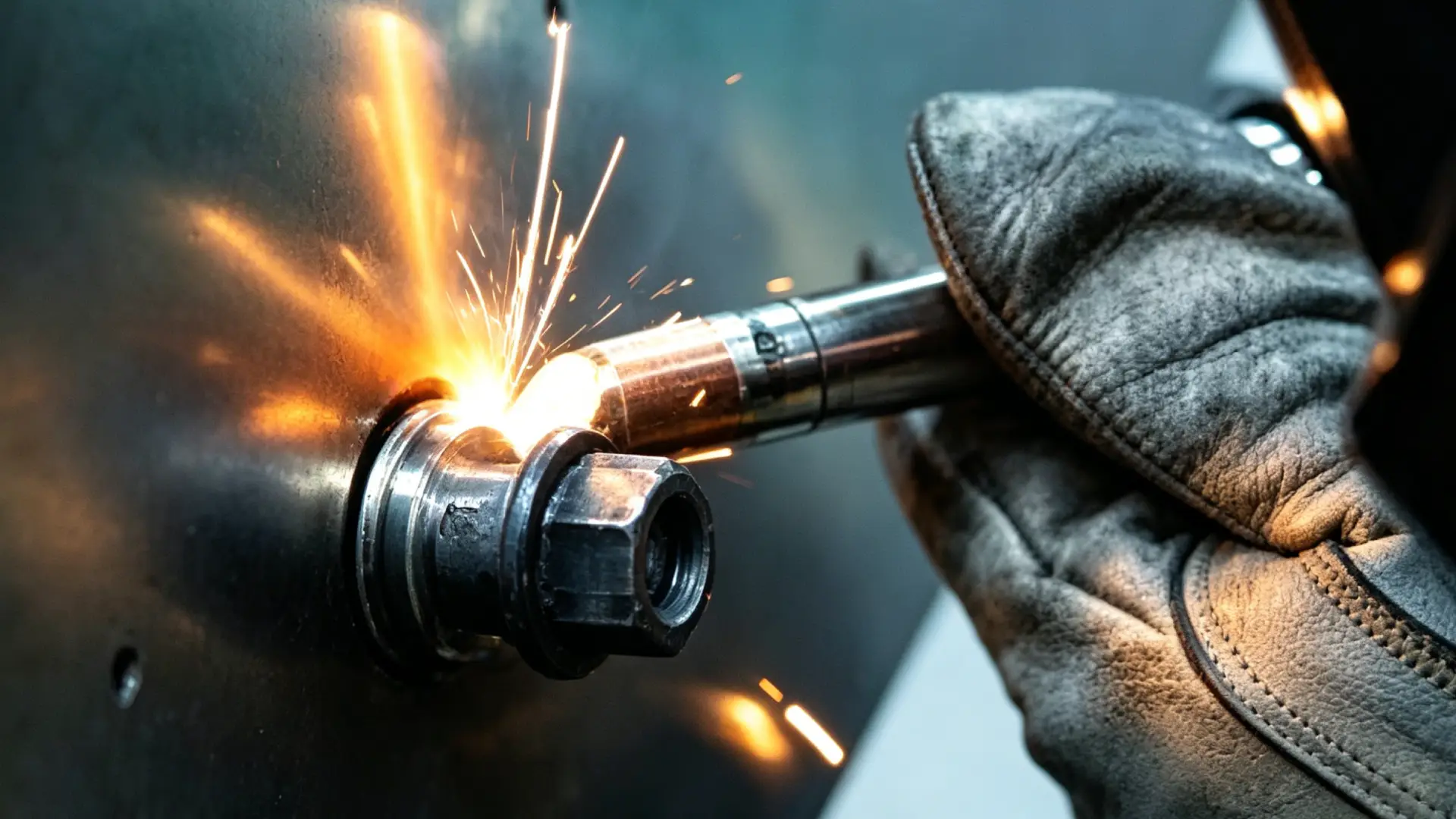
Bend radius smaller than 30mm creates micro-cracks. A 3000W laser source starts delivering 2400W, then 1800W. The beam still fires. The weld never forms right.
Self-check method:
-
Run your hand along the full cable length — feel for kinks, sharp bends, crush points
-
Check the QBH connector endface — welding reflective materials can burn the quartz block
-
If output remains unstable after cleaning the endface, it’s internal break or endface burn
The boundary: Surface contamination → clean it yourself. Internal break or endface burn → call the vendor. Trying to DIY a fix turns a 30 repair into a 30 repair into a 200 cable replacement.
Cause 5: Cooling System Triggered Automatic Shutdown
Water temperature above 25°C or below 10°C, flow rate <3 L/min, filter pressure drop >0.5 bar, float switch stuck — any of these triggers the laser interlock relay, shutting off output within 5 seconds.
Quick alarm code reference:
|
Code |
Indicator |
Check First |
|---|---|---|
|
E-05 |
Temp LED |
Probe resistance — should read 10kΩ at 25°C |
|
E-03 |
Flow LED |
Bleed air, inspect filter |
|
E-01 |
Level LED |
Float switch stuck — replace if tank full but alarm active |
Restart sequence:
-
Let the chiller run for 2-3 minutes first
-
Bleed air, clean filter, top up coolant
-
Press and hold reset button for 5 seconds
-
Confirm flow >3 L/min and temperature 15-25°C, then re-enable laser output
Cause 6: Workpiece Setup & Surface Abnormality
The machine and parameters are fine. The problem is on your worktable.
-
Grounding resistance: Must be below 3Ω (laser welding is stricter than conventional arc). Powder-coated parts insulate bolted joints — a multimeter will expose this
-
Joint gap: Above 0.3mm, absorption drops 15-25%. Target: 0.1-0.2mm for steel, <0.15mm for aluminum
-
Surface contamination: Steel oxide layer steals 10-15% of energy; aluminum oil film steals 30-40%; copper plating steals 50-70%
Spend 2 minutes before every weld to confirm:
-
Grounding <3Ω
-
Gap <0.3mm, clamped at 20-50 Nm torque
-
Cleanliness >99%, surface roughness Ra ≤1.6μm
-
Test weld penetration reaches >90% of target depth
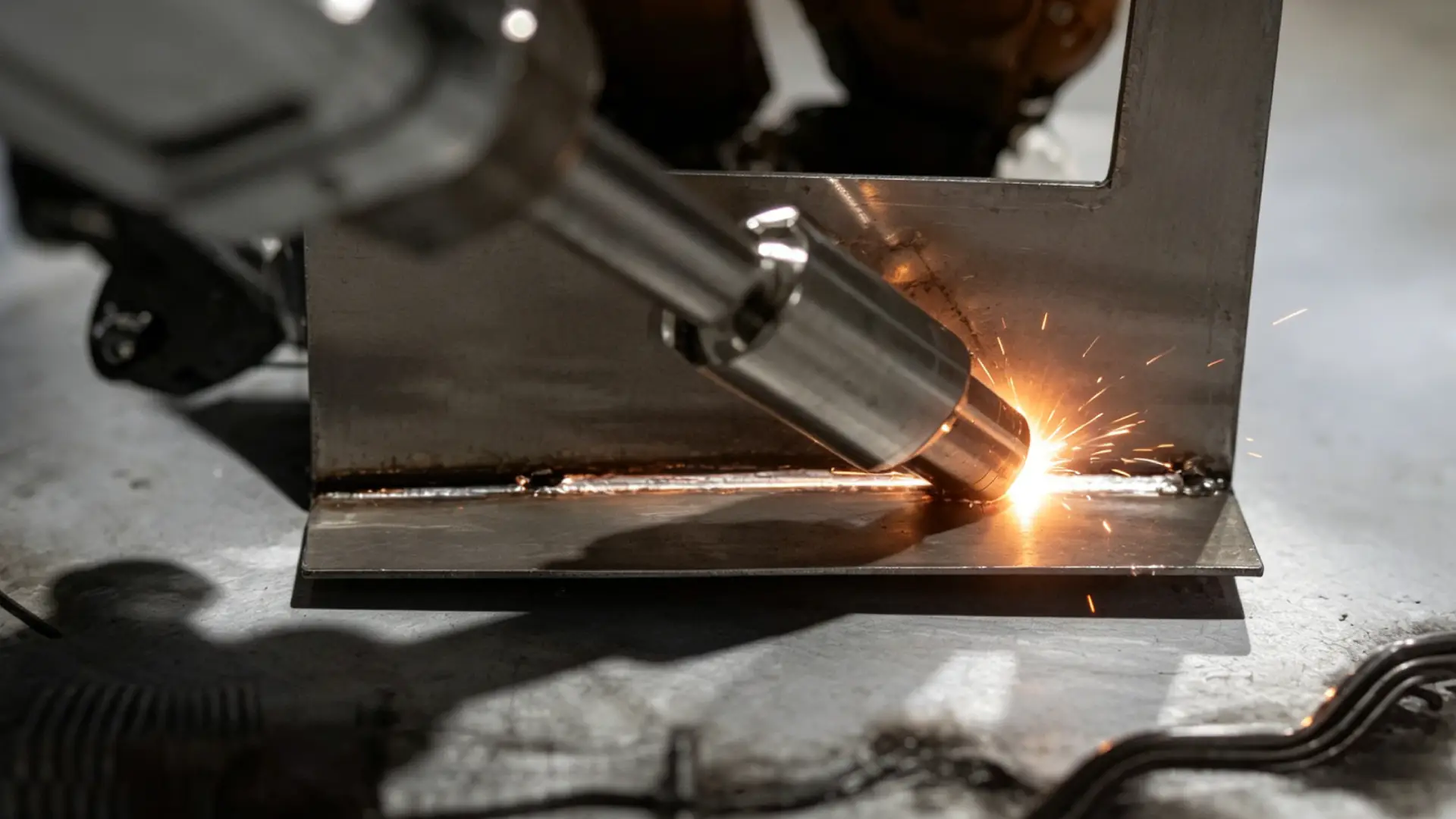
3-Minute Quick Diagnostic Flowchart
Step 1 (10 sec) — Does the machine respond when powered on?
→ No: Power fault — check cable, breaker, input voltage
→ Yes: Go to Step 2
Step 2 (15 sec) — Is there an error code on the control panel?
→ Yes: Go directly to the matching cause section
→ No: Go to Step 3
Step 3 (20 sec) — Fire a 1-second test burst on thermal paper. See a dot?
→ Yes: Beam path is live — problem is at the workpiece → Go to Step 4
→ No: Lens, fiber, or parameter issue → Check Cause #3 or #4
Step 4 (15 sec) — Does the metal show any surface discoloration?
→ Yes: Power or focus is off → Check settings and standoff distance
→ No: Grounding or surface contamination → Check Cause #6
Step 5 (20 sec) — After applying the fix, is output stable?
→ Yes: Log the fault and run a full test weld
→ No: Write down fault codes and every step you tried — contact your vendor
Research shows: decision accuracy stays above 85% across 5 steps. Add a 6th, and accuracy drops 12-18%.
Conclusion
In short, laser welder no arc and no output faults are mostly minor problems caused by improper operation, parameter errors and daily maintenance omissions, with no need for large-scale disassembly and maintenance. Operators can quickly eliminate 90% of common faults by mastering the above six troubleshooting methods, effectively shortening equipment downtime and improving production efficiency. Regular daily inspection and standardized operation can also greatly reduce the probability of laser welding machine failures.
As a professional laser equipment manufacturer with 15 years of industry experience, Maxwave focuses on the R&D, production and after-sales service of high-precision laser welding machines. Our equipment is stable in operation, easy to debug and low in failure rate, perfectly adapting to various industrial welding scenarios. We provide 24/7 global online technical support, remote fault diagnosis and one-stop after-sales service. If you encounter unsolvable laser welder no arc, unstable welding and other faults, you can always contact the Maxwave professional technical team to get efficient and professional solutions.